OEM position statement documentation is the specific thing an adjuster is scanning for on your estimate, whether you've labeled it that way or not. We covered the belief gap behind this earlier this week: following an OEM procedure and proving you followed it are two different jobs. This is what proving it looks like, line by line, on the same two vehicles.
The Proof Unit Adjusters Are Scanning For
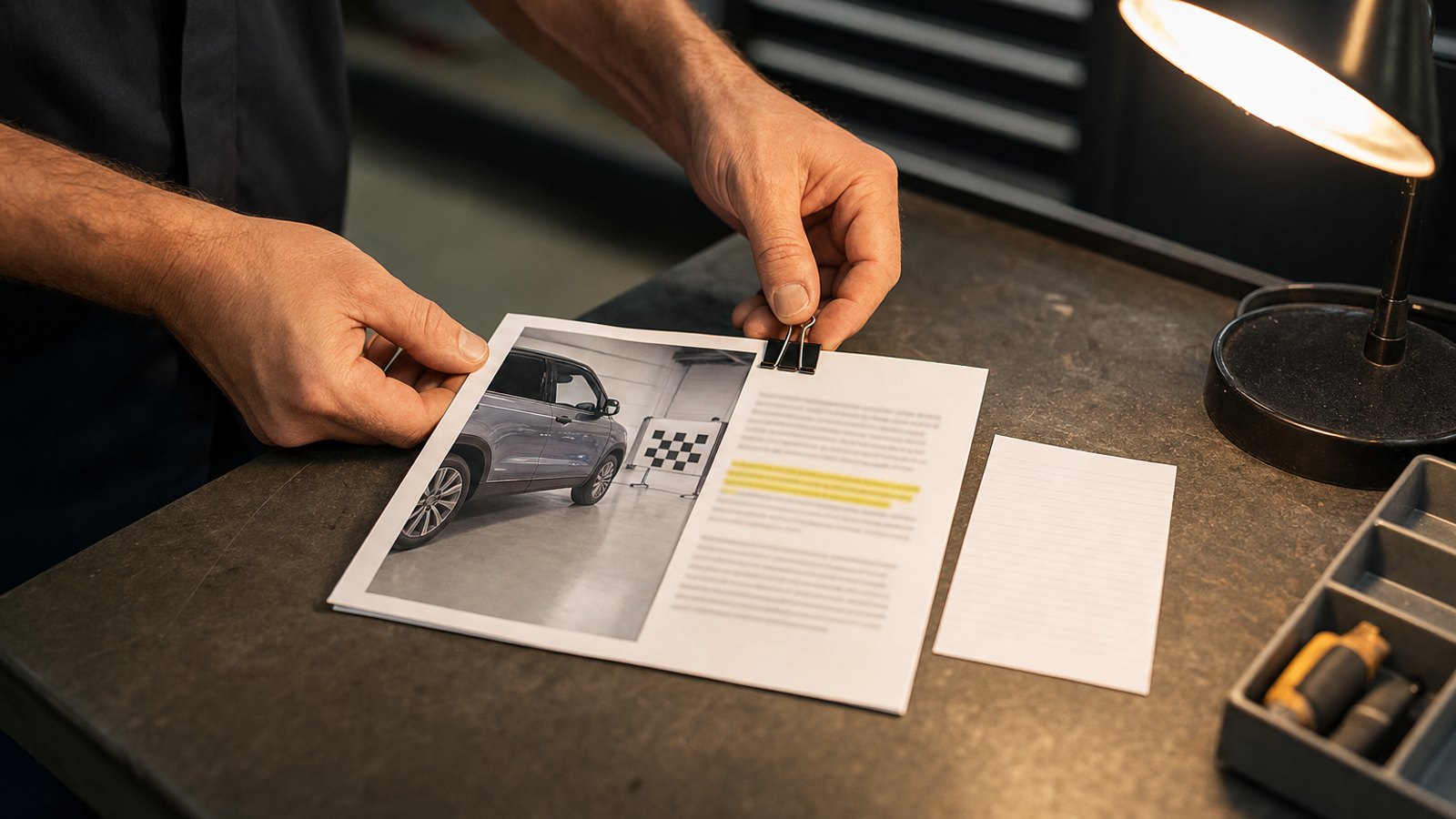
An adjuster reviewing a supplement isn't reading your repair order like a novel. They're scanning for one thing per OEM-required line item: a citation they can check, attached to a photo they can see, attached to a line note that tells them what the first two are doing there. Call it the proof unit. One citation, one photo, one line note, locked to one billed operation.
On a 2023 Ford F-150 with a quarter panel replacement, the proof unit for the structural adhesive looks like this: Ford's procedure number, a photo of the adhesive bead before the panel closed, and a line note that says which operation the first two support. Three pieces, one unit, one line item. Without all three attached together, an adjuster has no fast way to confirm the step happened the way the estimate claims it did, even if it happened exactly that way.

Why a Line That Takes Too Long to Confirm Gets Parked
CCC's Crash Course 2026 report found calibrations on 28.3% of repairable estimates in 2025, up from 21.8% the year before, and that number keeps climbing as ADAS systems spread across more models. When that work gets caught late, after the original estimate is written, it arrives on a supplement, which already draws more scrutiny. Adjusters work full queues. A line item that requires a phone call, an email, or a search through a separate folder to confirm gets deprioritized behind files that don't require that extra step. The operation isn't denied because it's wrong. It's parked, because confirming it costs more time than the queue allows for one line.
Here's the self-check. Pull your last five submitted supplements. For each OEM-required line item, time how long it takes you to find the matching citation and photo. Under two minutes per item is green. If you're flipping through a separate folder, texting the technician, or guessing which photo belongs with which line, that's red, and it's likely why that line got kicked on the first pass instead of the second or third.